Social Media QR Code Generator
Turn any social profile into a scannable QR code. Print it on a business card, stick it on packaging, or display it at your booth — one scan takes people straight to your profile.
Three steps from link to print.
- 01
Pick a platform and enter your handle
Choose Instagram, TikTok, YouTube, LinkedIn, X, or Facebook, then type your handle with or without the @. The generator builds the profile link, so there is nothing to copy out of the app.
- 02
Match it to your brand
The platform logo is applied automatically so people know where the scan goes. Recolor the dots and corners in your brand colors instead of the platform's, so the code belongs on your card or label.
- 03
Download and add a prompt
Export PNG or SVG. Print one platform per code, with a short line beside it like "Follow us on Instagram" so people know what they get before they scan.
Stick it anywhere people pause.
Business cards
Replace the tiny "@handle" text with a QR code. People scan instead of typing — no misspellings, no searching, just an instant follow.
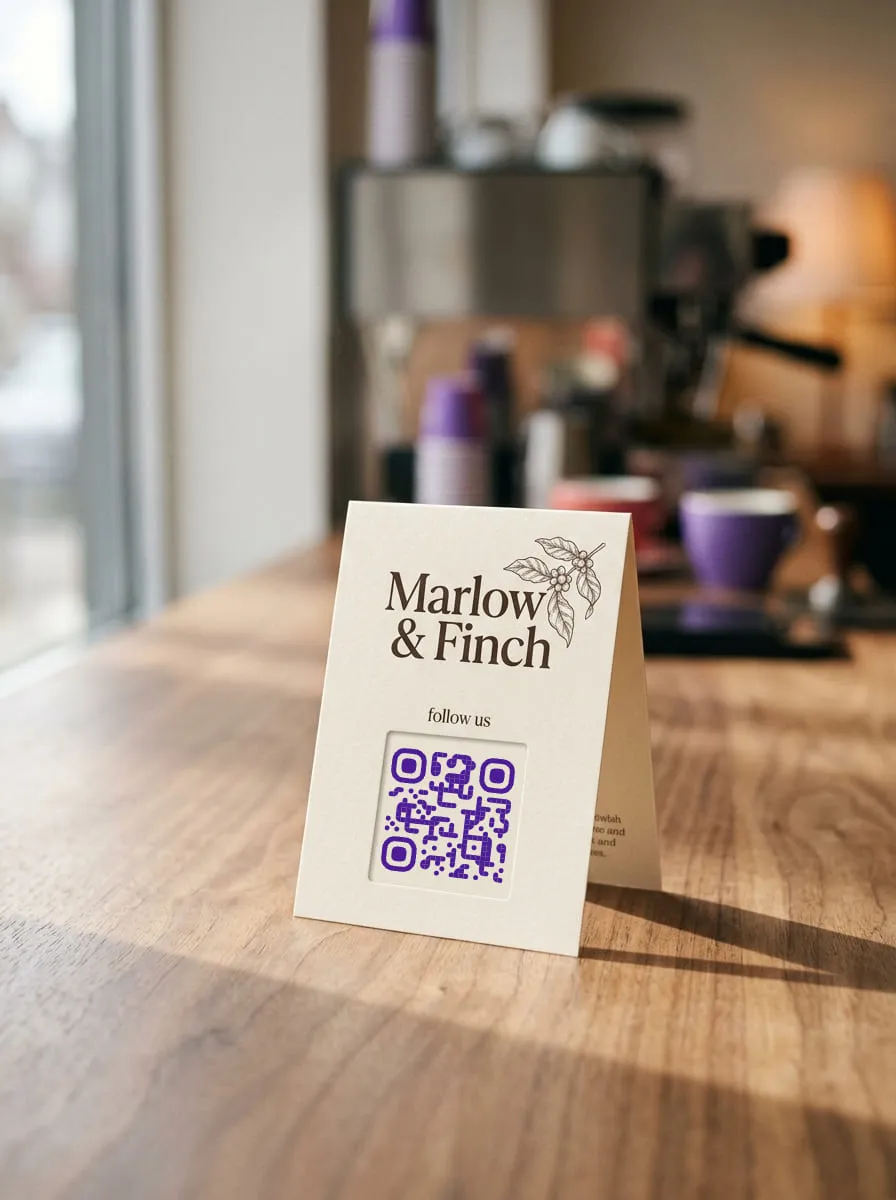
Retail & café signage
Put a QR on the counter, window decal, or receipt. Customers who just had a great experience can follow you while they're still in the moment.
Event booths & pop-ups
Display a QR on your banner or badge. Visitors scan to follow your page instead of exchanging cards that get lost in a bag.
Product packaging
Print the QR on labels, inserts, or hang tags. Buyers scan to see your latest posts, tutorials, or community — turning a one-time purchase into an ongoing connection.
What is a social media QR code?
A social media QR code opens your profile on Instagram, TikTok, YouTube, LinkedIn, X, or Facebook when someone points a phone camera at it. It turns a printed surface into a follow, without anyone typing your handle.
Why not just print your handle?
A printed @handle asks people to open the right app, search, spell it correctly, and pick you out from lookalike accounts. A scan skips all four steps, which matters most where people are standing and busy: at a counter, a booth, or a market stall.
Choosing which platform to link
Link the platform where your customers already are and where you post most often. A café that shares daily specials on Instagram should link Instagram; a creator who posts tutorials should link TikTok or YouTube. One well-chosen platform beats asking people to choose.
Static vs. dynamic codes
Packaging and signage outlive social strategies. A static code is free forever and fine if your handle will never change. A dynamic code (free account) follows you through a rebrand or a move to a new platform, and shows which printed surfaces actually bring scans.
Changed your handle? Keep the code.
Handles change with rebrands, and a static code keeps pointing at the old one. A dynamic QR lets you update the profile it opens from your dashboard, or move it to another platform entirely, and shows how many people scanned. Dynamic QR codes require a free account.
Create a free accountReady to track your QR scans?
Free forever for static codes. Sign up to unlock dynamic QR codes with scan analytics, editable destinations, and CSV export.